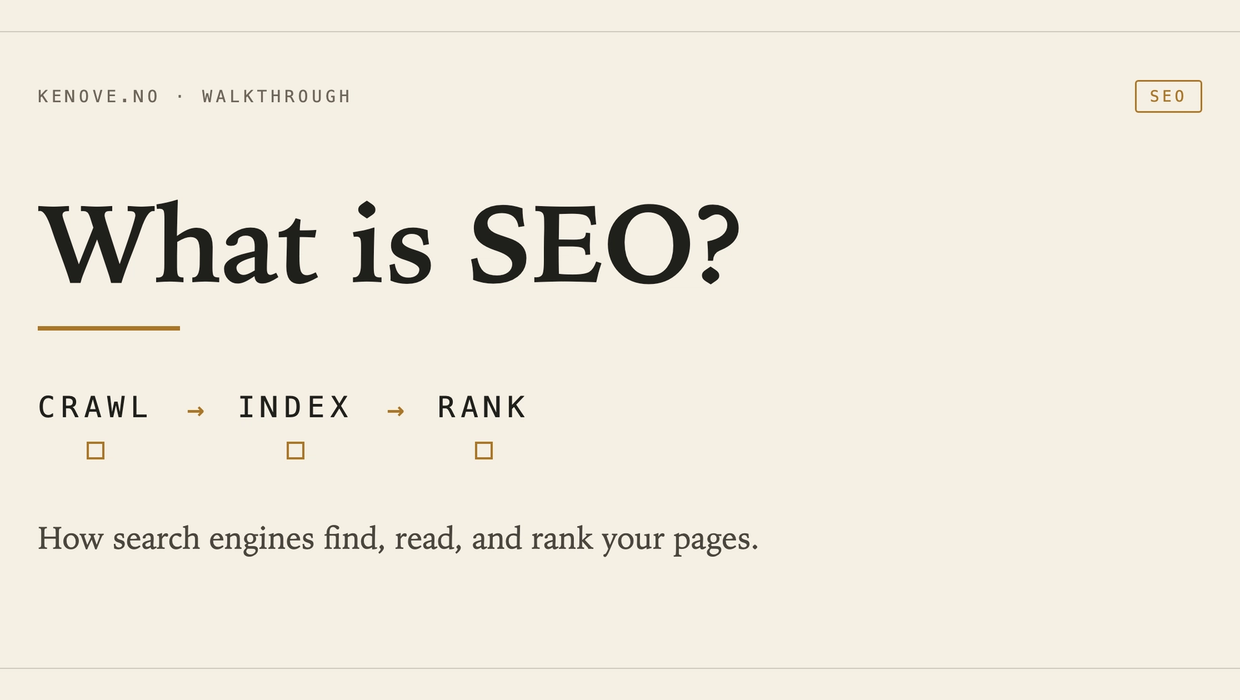
SEO stands for Search Engine Optimization. In plain English, it is the work of helping search engines find your pages, understand them, and show them when they are useful for a search.
That does not mean writing for a robot. Google’s own guidance is to make useful pages for people, then make sure the technical setup does not get in the way.
How Google Search handles a page
Google describes Search in three stages: crawling, indexing, and serving results. People often call the last stage ranking, but the result can change with the query, language, location, and device.
Google may discover a URL through a link or sitemap. Googlebot fetches the page and renders JavaScript much like a browser.
A robots.txt file can stop Googlebot from crawling parts of a site. It does not reliably keep a URL out of the index, because Google may still learn that the URL exists from links elsewhere. Use a noindex rule when the goal is to prevent indexing, and make sure the crawler can access the page well enough to see that rule.
A sitemap helps Google discover the canonical URLs you care about. It is a hint, not a list of pages Google promises to crawl or index.
During indexing, Google analyzes the visible content and signals such as the <title> element, headings, links, images, and alt text. It also works out whether the page is a duplicate and which URL should be treated as canonical.
A <link rel="canonical"> states your preferred URL for duplicate or very similar pages. Google treats it as a strong signal, but can choose another URL when other signals disagree. Consistent internal links, redirects, and sitemap entries make the preference clearer.
When someone searches, Google looks for indexed pages that fit the query and appear useful. There is no single switch that moves a page to the top. Relevance, content quality, links, language, location, device, and usability can all affect what gets served. Google also makes no guarantee that a compliant page will be crawled, indexed, or shown.
What the tags in <head> actually do
The <title> element helps Google understand the page and can influence the clickable title link in a result. It is not always copied word for word. Google may build the title link from the page title, the main heading, prominent text, og:title, or link text.
Write a concise, descriptive title for each page. There is no official character limit. Google truncates title links when needed to fit the device.
The meta description is also a suggestion. Google usually creates the search snippet from page content and may use your <meta name="description"> when it describes the page better. A unique, accurate summary is useful. A fixed 140 to 155 character target is not a Google requirement, and the visible snippet can vary by search.
Open Graph tags control the preview used by many social and chat services. They are useful, but they are not the same thing as Google’s title link or snippet.
JSON-LD gives machines structured information about the page, such as an article’s author and publication date. Valid structured data can make a page eligible for supported rich results. It does not guarantee a rich result or a higher ranking.
What Lovable checks now
Lovable puts its current review under Services → SEO & AI search. Run Scan project the first time and Scan again after changes. The scan is on demand, so publishing does not rerun it automatically.
The review checks code, the preview deployment, and, once the app is public, the live site. Its checks include page titles and descriptions, canonical URLs, Open Graph tags, structured data, heading structure, alt text, robots.txt, sitemap.xml, indexing rules, mobile usability, accessibility, and performance. Lovable can try to fix most findings, but applying fixes uses normal message credits. Run the scan again afterward to confirm the issue is gone.
Some checks only make sense on a public site. Private and unpublished projects cannot be indexed. Lovable’s branded workspace URLs are also not indexable, so use a custom domain when you want a real search presence.
Lovable changed how public apps expose content to crawlers. Apps created from 13 May 2026 use TanStack Start with server-side rendering. Older React and Vite apps use on-request pre-rendering for verified crawlers. Inspect the live result rather than assume the framework handled everything.
What you still need to decide
Lovable can find missing metadata. It cannot decide which page deserves to exist or whether the copy answers a real question.
Choose one clear purpose for the page. Use the words your reader uses, but do not repeat a phrase just to hit a keyword count. Add enough detail to solve the problem. Google does not publish a minimum word count, so “800 words beats 100” is not a rule.
Link to the page from relevant parts of your site. Descriptive link text helps readers and gives crawlers another route to discover the page. If several URLs contain the same material, pick a preferred URL and make the technical signals agree.
Lovable’s Research SEO with Lovable uses live Semrush data for keyword, competitor, ranking, and backlink research. That data can help you choose what to investigate. It cannot tell you whether the resulting page is honest, clear, or worth reading.
A simple Lovable check
Take one important route, such as /pricing, and ask Lovable to set a unique, descriptive <title> and meta description. Ask for matching Open Graph tags and a self-referencing canonical URL. Avoid fixed character guarantees. Ask for concise text that describes the actual page, then inspect what was generated.
Open the live page source and check that the title, description, canonical, and Open Graph values match the route. Run the SEO and AI search review again. If Lovable says it fixed an issue, verify the next scan rather than treating the first response as proof.
Then open Google Search Console. Check whether the live URL can be indexed, submit the sitemap if needed, and watch the real search data over time. SEO starts with a crawlable page, but the useful work is making that page answer the question well.
Sources
- Google Search Central: How Google Search works (https://developers.google.com/search/docs/fundamentals/how-search-works)
- Google Search Central: Title links (https://developers.google.com/search/docs/appearance/title-link)
- Google Search Central: Snippets and meta descriptions (https://developers.google.com/search/docs/appearance/snippet)
- Google Search Central: Canonical URLs (https://developers.google.com/search/docs/crawling-indexing/consolidate-duplicate-urls)
- Google Search Central: Structured data (https://developers.google.com/search/docs/appearance/structured-data/intro-structured-data)
- Lovable documentation: SEO and AI search (https://docs.lovable.dev/features/seo-aeo)